 Phishmael & Friends
what to do
I Clicked It. Now What?
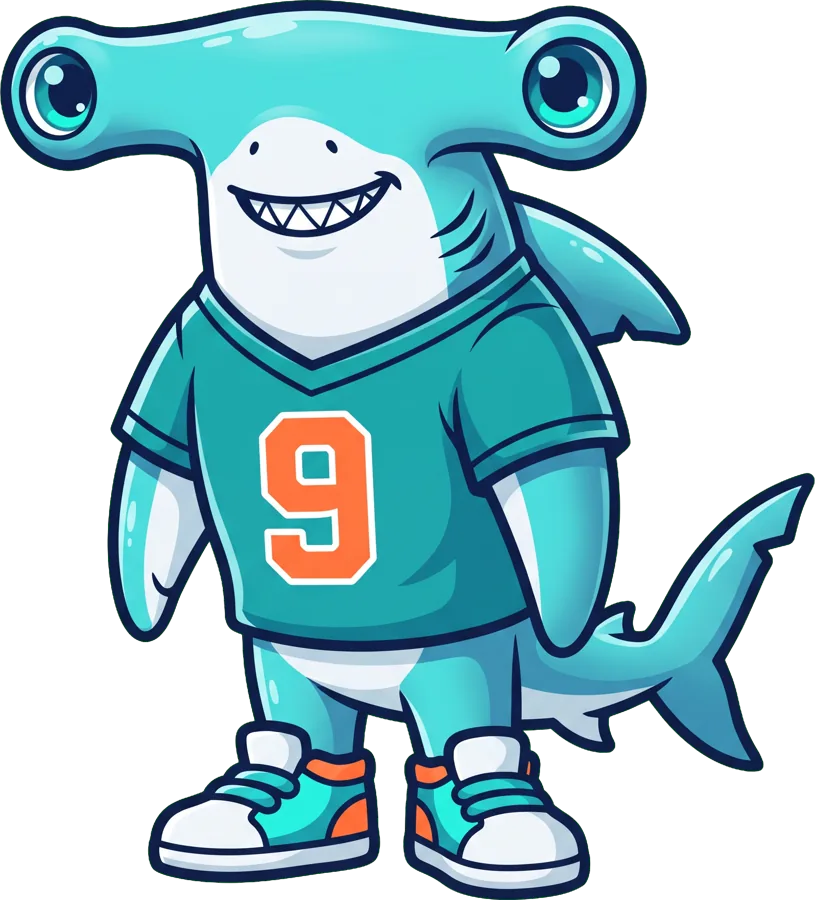
Welcome to the Clicked-It Championships, with commentary from Zola and Professor Shelldon. Gary clicks a bad link, types his password and dives under his hammock. Octavia coaches him through the course: stop, tell a grown-up, change the password.
Today's rule: Oops? Stop. Tell. Change.
What kids learn
- Stop and close the page
- Tell a grown-up, you're not in trouble
- Change the password and turn on the second lock
Quiz time
Play the gameCan you get them all?
You clicked a bad link. What's the first thing to do?
You typed your password on a fake page. What now?
🏅 Stop, Tell, Change
Clicked a bad link? Put the steps in the right order, like Gary at the Clicked-It Championships.
For parents & teachers
Talk about it together
- Tell your children clearly: they will never be in trouble for telling you about an online mistake.
- If a link was clicked, close the page and stop typing.
- If a password was entered, change it on the real app or site and turn on two-step login.
- If money or bank details were involved, contact your bank on the number you already know.
Read more
My Child Clicked a Bad Link: What to Do in the First Few Minutes
Everyone clicks something they shouldn't at some point. What matters is what happens next, and panic or hiding gives scammers more time.
Read the full guide →