 Phishmael & Friends
lost phones
Lost and Found
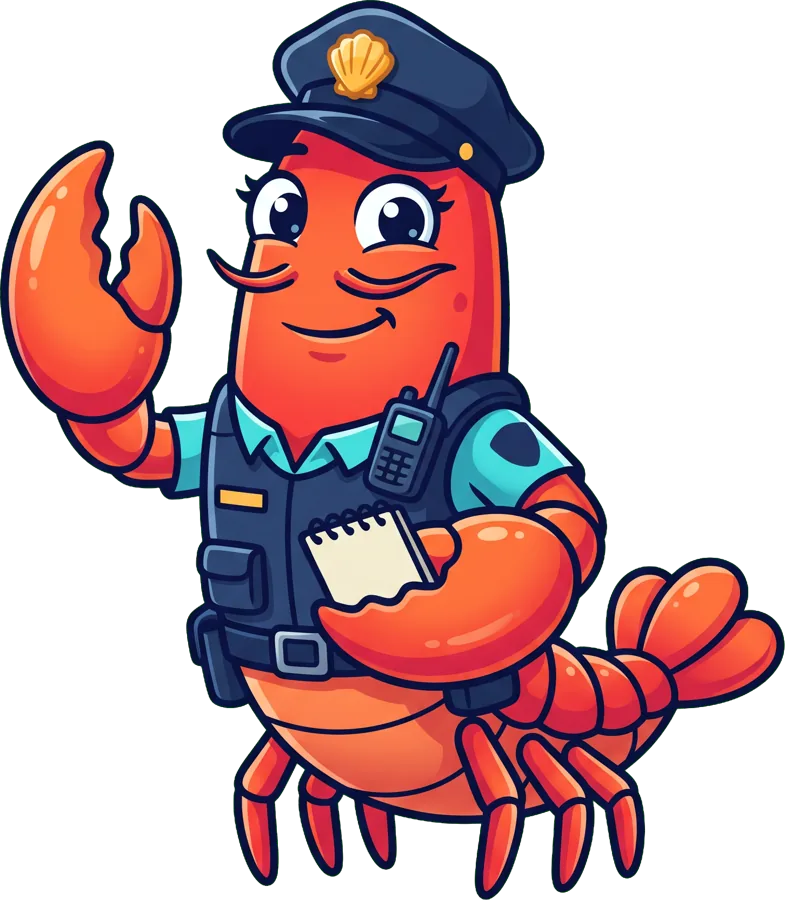
Captain Krillson has lost his phone, and it has no screen lock because 'locks are for treasure chests'. Octavia launches Operation Phone Home from Mission Control, Sharkley tries a 'lost my wallet' text from the Captain's phone (to Nana, who's sitting next to the Captain), and Sergeant Clawdia brings it home.
Today's rule: Lock it, find it, tell someone.
What kids learn
- Lock your screen with a hard-to-guess passcode
- Turn on find-my-device, with a grown-up
- Lost it? Tell a grown-up fast
Quiz time
Play the gameCan you get them all?
You lost your phone. What's the first thing you do?
Which passcode is best?
📲 Lost Phone Plan
Captain Krillson has lost his phone again. Put the steps in the right order!
For parents & teachers
Talk about it together
- Make sure every device in the family has a screen lock with a hard-to-guess passcode.
- Set up find-my-device together and check you can sign in to it from another device.
- Agree that your child will tell you straight away if a device goes missing, and won't be in trouble.
- After a loss, change important passwords.
Read more
Lost Phones: Lock It, Find It, Tell Someone
A lost phone without a screen lock gives a stranger access to messages, photos, apps and contacts.
Read the full guide →